
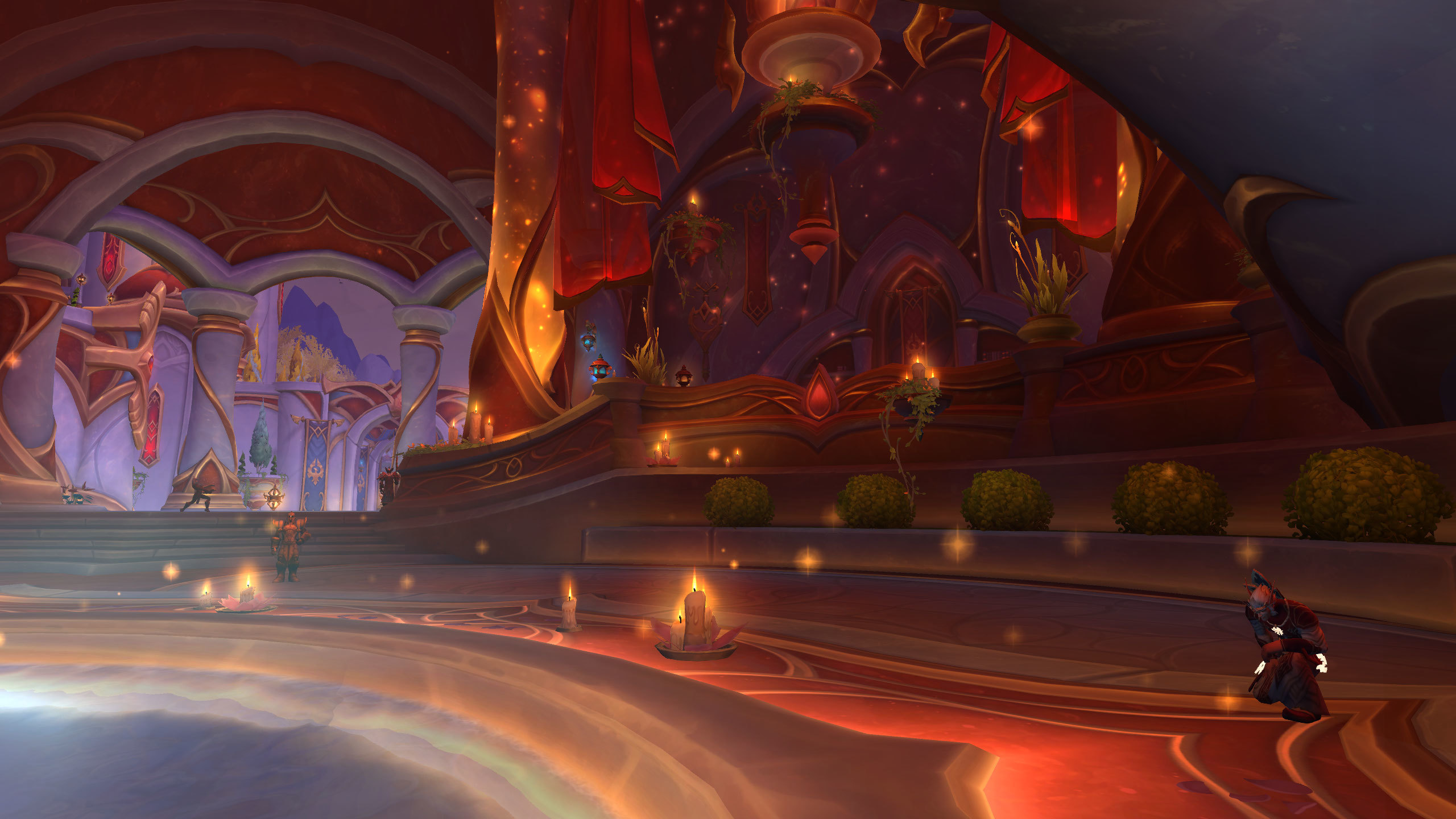
World of Warcraft is a Stylized Artistic Masterpiece, yet its engine is notoriously “CPU-Bound,” leading to devastating “Framerate Spikes” during 20-man raids or massive dungeon pulls. Many players respond by turning all settings to “Low,” resulting in Visual Degradation that makes the world look like “Mud” and—more dangerously—hides the very mechanics they need to dodge. This is Optimization Malpractice. “Graphics Tuning” is the discipline of Surgical Performance Management—the art of identifying the “CPU-Heavy” settings to sacrifice while protecting the “Visual Clarity” settings that keep you alive.
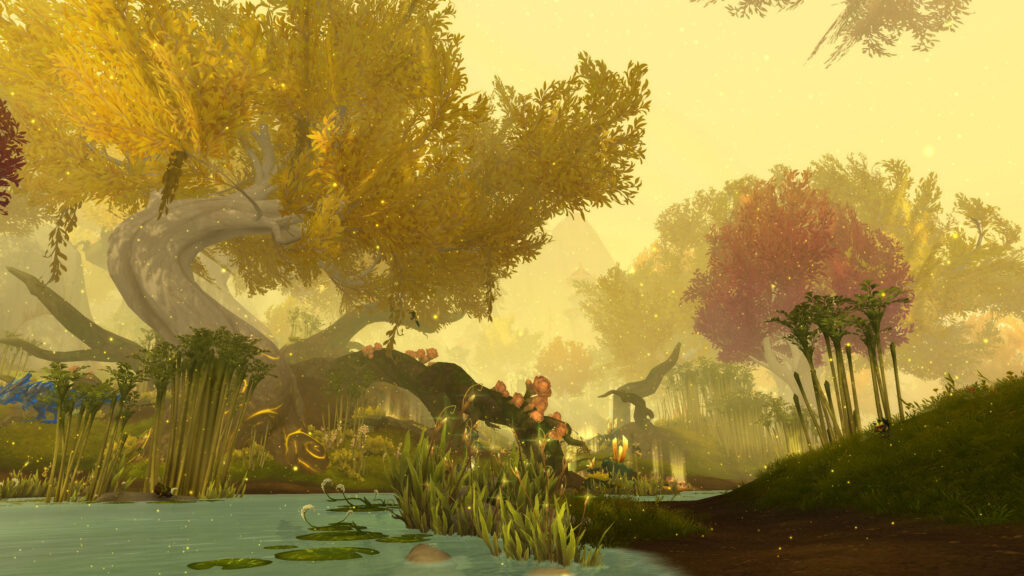
True tuning mastery requires the Systemic Identification of “Gameplay-Critical” Effects. It is about understanding that a 10% increase in “Shadow Quality” is not worth a 20% drop in “Input Latency.” By focusing on Frame-Stability and Signal Clarity, you ensure that your game remains fluid during the moments that matter most. To win, you must stop treating the Graphics menu as a “Slider” and start understanding it as a Balanced Performance Budget. A smooth 60 FPS is the most powerful “Gear Upgrade” you will ever receive.
The Philosophy of “Mechanical Fidelity”
Most players suffer from Graphical Mis-Prioritization, keeping “View Distance” at maximum while their “Projected Textures” are blurry or disabled. This is Suicidal Strategy. A master of the engine practices Mechanical Fidelity. They understand that “Projected Textures” and “Particle Density” are the Primary Languages of the Boss. By keeping these at “High” or “Ultra” while lowering invisible CPU-killers like “Liquid Detail” and “Compute Effects,” you ensure that “Lethal Swirlies” have Crisp, Clear Edges. This “Clarity-First” logic prevents the “I wasn’t even in that!” deaths that plague players with unoptimized settings. It is the ultimate Technical Competitive Edge.

By engaging with this “Surgical” mindset, you achieve Operational Stability. You don’t need a “NASA Supercomputer” to play WoW at 100 FPS if you understand that Shadows and Water are the primary drains on your processor. By Capping your Framerate to match your monitor’s refresh rate, you eliminate “Screen Tearing” and reduce “Input Lag.” This Technical Discipline transforms the game from a “Stuttering Struggle” into a Fluid Combat Arena. The goal is to reach a state of Visual Efficiency, where the world looks beautiful but the mechanics look Obvious, making your survival a Calculated Result of Clear Information. You aren’t “Lowering your graphics”; you are Sharpening your Vision.
The Essential Tuning Pillars (The Performance Rules)
- 1. The “Projected Textures” Mandate:
- What: Ensuring this setting is **ALWAYS ENABLED**, regardless of your PC’s power.
- Why it matters: This is Survival Integrity Mastery. This setting allows spell effects to render on the ground. Disabling it makes 90% of boss mechanics Invisible. It is the only “Non-Negotiable” setting in the entire menu for any serious player.
- 2. The “CPU-Killer” Purge (Shadows/Water/Compute):
- What: Lowering “Shadow Quality,” “Liquid Detail,” and “Compute Effects” to their minimum playable levels.
- Why it matters: This is Logical Load Reduction Realized. These settings provide the Lowest Visual Return for the Highest Performance Cost. Removing them “Unbottlenecks” your CPU, providing a massive FPS boost in raids where 20 players are casting spells simultaneously.
- 3. Resolution Scaling and FSR/DLSS:
- What: Using upscaling technology to render the game at 90% resolution and sharpening the output.
- Why it matters: This is Artificial Performance Injection Mastery. It allows you to maintain Visual Crispness while significantly reducing the load on your GPU. It is the “Secret Weapon” for players on mid-range hardware to achieve High-Framerate Fluidity in modern zones.
Conclusion: The Master of the Engine

Performance is a gameplay stat, just like Haste or Versatility. By adopting the Surgical Optimization mindset, you transform from a “Lag Victim” into the Master of the Engine. You realize that a smooth game is a winnable game. Stop playing in a slideshow; start mastering your Frame Budget. Cultivate an interest in Technical Settings, leverage upscaling for clarity, and navigate Azeroth with the Fluidity of a True Professional.
You are the architect of your own Visual Environment, and the master of your hardware’s potential. By following the path of “Mechanical Fidelity,” you ensure that your heroics are always imbued with Profound Purpose. The frame is stable—so watch the floor, time the kick, and Claim the Precision of a True Elite. Azeroth is beautiful, but it’s even better when it runs at 144 FPS.
Leave a Reply